Custom gallery presentation
Tailor the visual display and functionality of every gallery to match its specific business purpose.
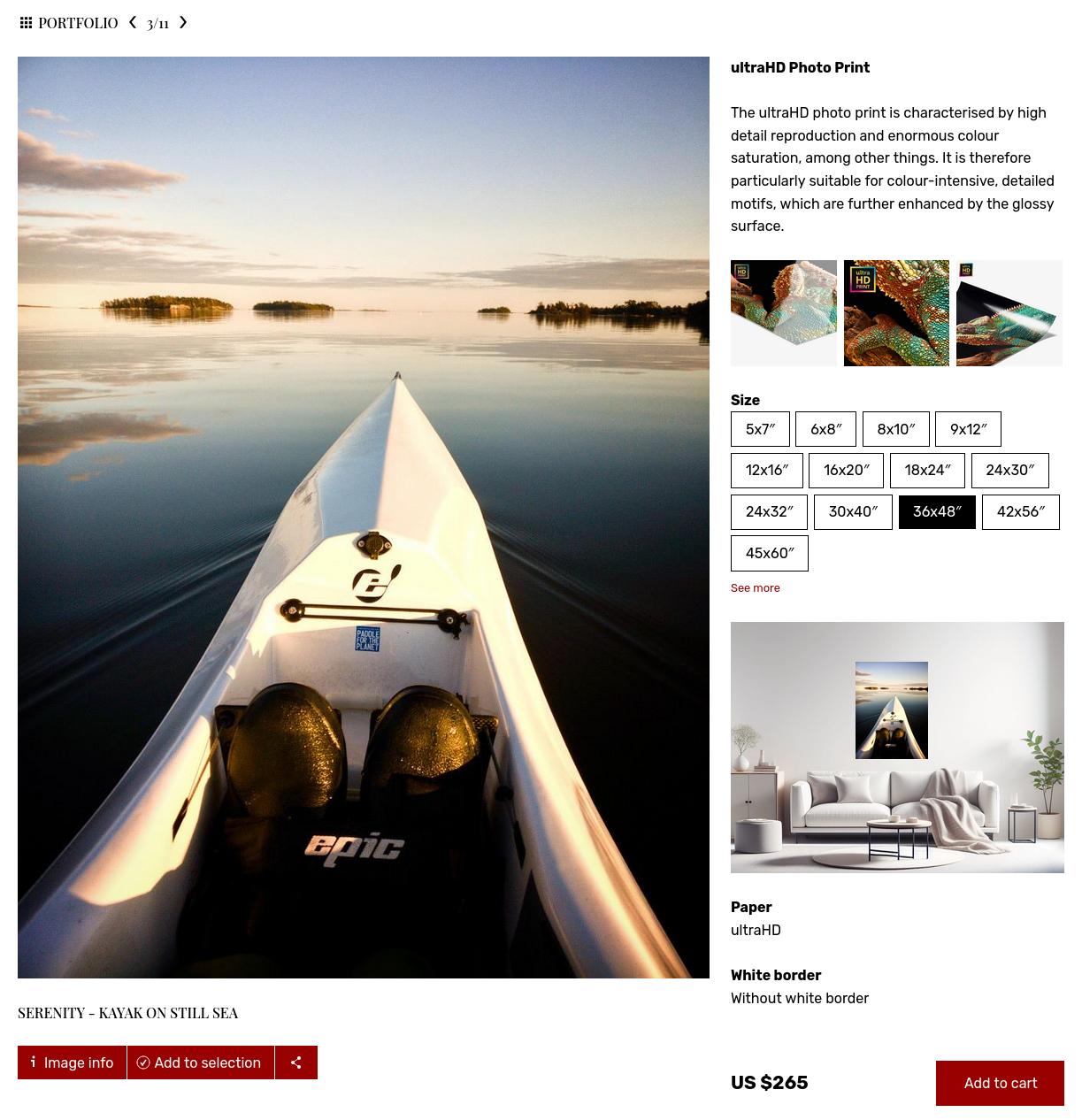
Professional photography galleries and media libraries answer to varied needs. For example a client proofing gallery should prioritize selection tools, while a public portfolio should focus on high-impact aesthetics. PhotoDeck’s Gallery Display Styles give you precise control over the look, feel, and functionality of every gallery on your website, ensuring the presentation always perfectly aligns with the goal of the collection.
Optimize galleries for their intended use
Every style is a template that dictates how images, videos, and documents are displayed, from the thumbnail grid to the enlarged viewing page. Instead of being locked into one design, you can assign different purpose-built styles to your galleries. PhotoDeck provides powerful built-in styles to cover most professional use cases:
- Portfolio: Maximize visual impact.
- E-shop and Stock Photography: Focus on conversion and selling.
- Client gallery: Prioritize client usability and proofing features.
- File Management: Optimized for Digital Asset Management.
Fine-tune the image viewing experience
The display style editor allows you to manage dozens of settings to control the finer details of how your media is presented, ensuring a tailored and high-quality experience for every visitor.
- Choose exactly what information is visible (titles, tags and keywords, shooting dates, file names, lifecycle status etc…), and where;
- Manage layout and navigation;
- Adjust quality and resolution.
Create and control your own custom styles
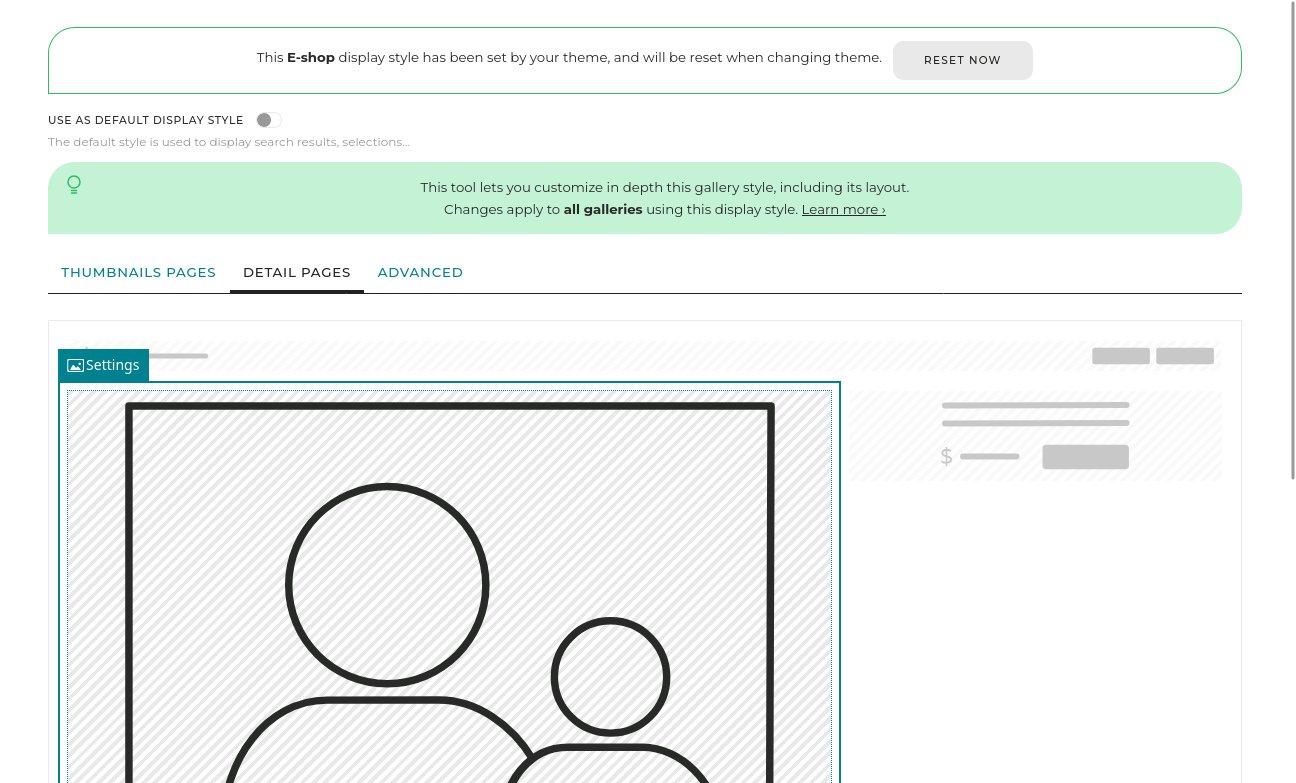
The customization tool provides the same powerful layout editor used for custom pages, giving you complete freedom. You can duplicate any default style and modify it to ensure it precisely matches your requirements. This flexibility lets you design entirely custom interfaces for highly specific projects or clients.
FAQ
How can I change the look of one gallery without changing my entire website design?
You can use Gallery Display Styles in PhotoDeck. Each style acts as a template for how a gallery looks and functions. You can apply a different style (like “Portfolio” for aesthetics or “E-shop” for selling) to any single gallery without affecting the rest of your site.
My client needs to browse thousands of images quickly for their marketing team. How can I make the browsing more efficient?
Assign for example the built-in “File Management” style to that gallery. This style is optimized for quick browsing with easy-to-read thumbnails, prominent file information, and clear download/selection options, streamlining the file management workflow.
I want a gallery to look sleek with huge images, but another gallery needs to show pricing and buy buttons. Is this possible with one platform?
Yes, by using different Gallery Display Styles in PhotoDeck. You can assign the “Portfolio” style to your aesthetic showcases to minimize visual clutter, and the “E-shop” style to your commercial galleries to integrate the purchase elements directly into the enlarged image view.