Similarity search & related images
Help your clients discover your collection more deeply by showing them images with similar content and semantic meaning.
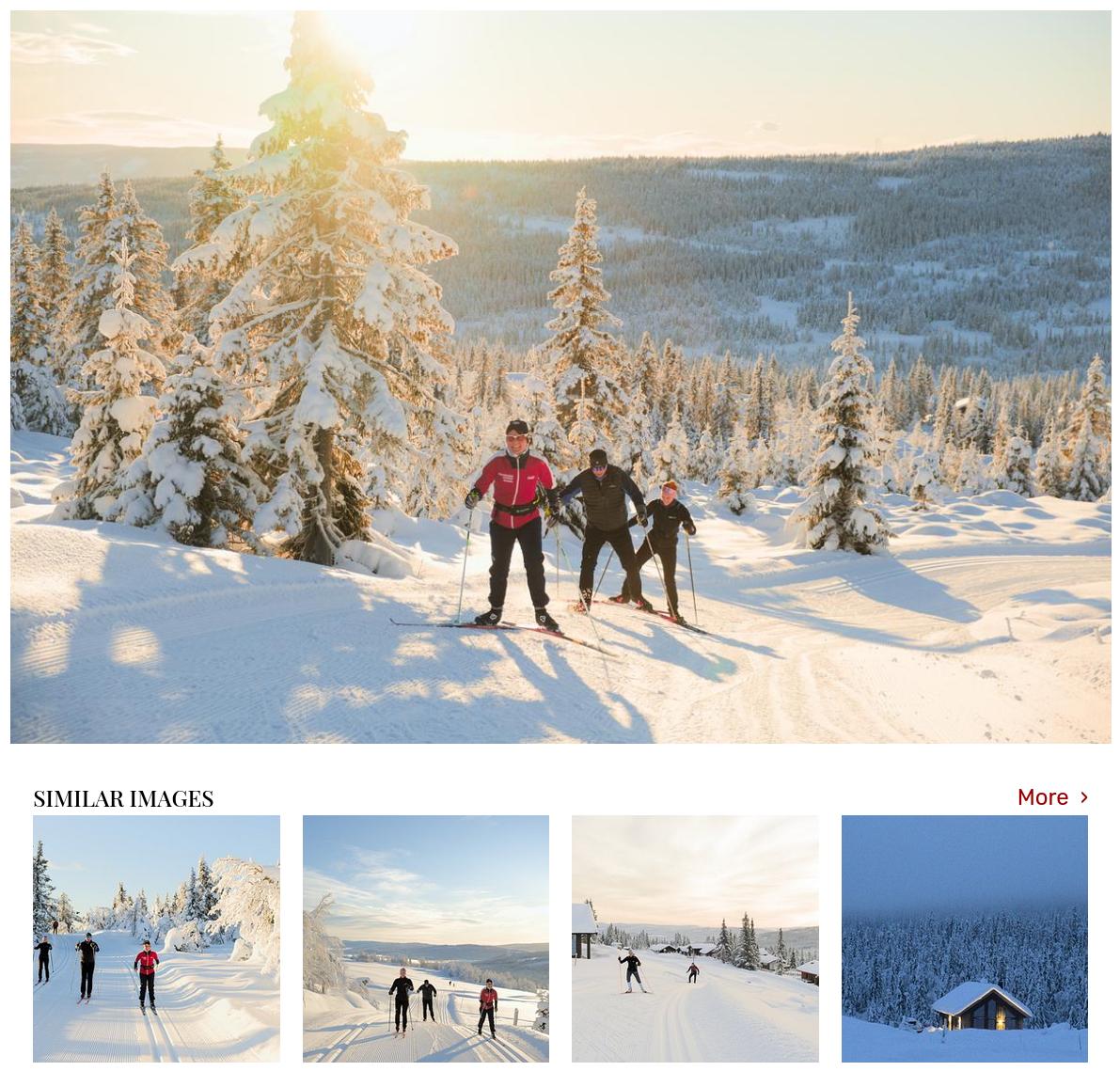
Similarity search is a powerful engagement tool that keeps your clients exploring your media library. Instead of relying on keywords or basic color/shape matching, PhotoDeck’s similarity search uses artificial intelligence to find images based on their semantic meaning, the actual concept or content of the scene.
This means your clients can discover images they might have missed with traditional keyword searches, significantly increasing the engagement and depth of exploration within your collection.
Boost client discovery
By making it easy for users to jump from one relevant image to the next, you encourage them to spend more time on your site and discover more valuable content. You can present related images in two highly effective ways:
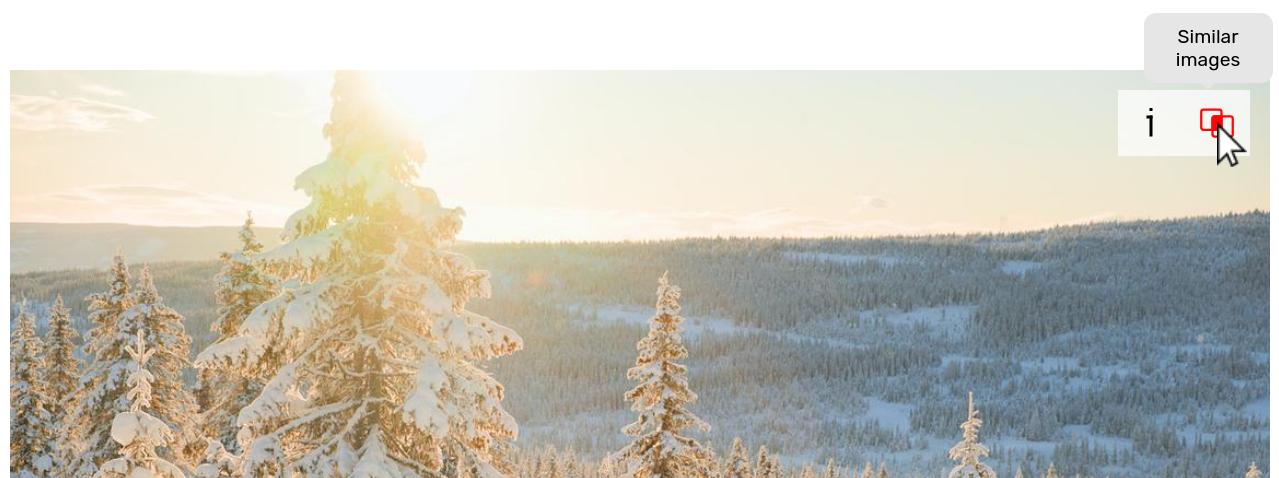
- The “Similar Images” button: Allows clients to click on any image and instantly run a search for related content. This is perfect for clients who found one image they like and need variations or alternatives.
- The similar images carousel: Displays a visually appealing grid of related content directly underneath the enlarged view of an image. This encourages passive discovery and helps clients find a relevant alternative immediately before leaving the page.
Find relevant images beyond keywords
This AI-driven search goes beyond simple metadata matching. It can link images that look visually dissimilar but convey a similar theme or concept. This is essential for:
- Stock Photographers: A client looking at a photo tagged “person walking in city” might also be shown an image tagged “commute, urban life” even if the visuals are very different (e.g., one is a close-up, the other is a wide shot).
- Corporate and documentary libraries: You can connect images from the same project or subject that might not share the exact same objects or keywords, ensuring a client sees the full content.
Maintain full control and confidentiality
You can fine-tune the confidence level of the search results to control whether the system prioritizes accuracy (fewer but highly relevant matches) or coverage (more matches, potentially including less relevant results). Additionally, the search respects your site’s privacy settings: the results will only include public and private galleries that the current user has access to.
Identify duplicates
As an added benefit, the similarity search function in your admin space is a powerful way to quickly identify duplicates or near-duplicates across your entire library, streamlining your content management.
FAQ
How can I keep my website visitors engaged and encourage them to look at more of my photos?
PhotoDeck’s Similarity Search feature is designed to increase user engagement. It automatically shows clients other images that are related in content or theme. By presenting an immediate “next step” (the similar images carousel or button), it encourages deep exploration of your collection and reduces bounce rate.
My users often struggle to find similar styles or concepts in my large library. How can I help them?
Similarity search solves this by comparing images based on their semantic meaning rather than just exact keywords. If a client finds an image they like, they can use the similar search feature to instantly find conceptually related images, ensuring they don’t miss out on relevant content that might be tagged differently.
Is there an easy way to check if I have accidentally uploaded the same photo multiple times?
Yes, the Similarity Search assistant is highly effective for identifying duplicates or near-duplicates. In your PhotoDeck admin space, you can run a similarity search on any image to quickly find identical or very similar copies across your entire library, helping you keep your collection clean and organized.