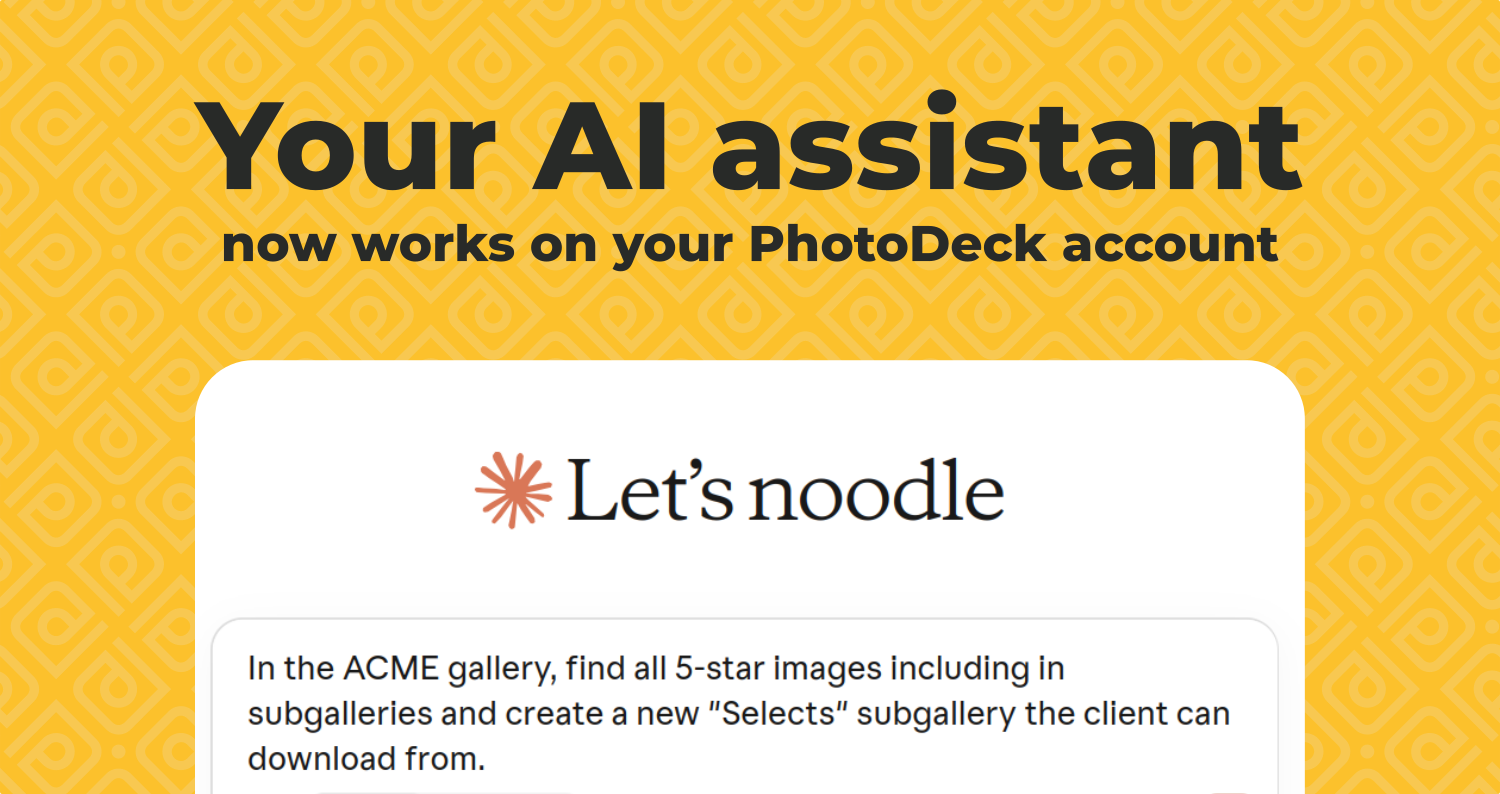
Get ChatGPT and Claude to work on your PhotoDeck account
You can now connect ChatGPT, Claude, Grok and Mistral to PhotoDeck and ask them to organize galleries, find media, check pricing, update keywords and much more, in plain language.
So you can ask your favorite AI chatbot things like:
Check all images that have the keyword “Piccadilly Circus” and make sure they also have the keyword “London”. Propose before doing any change.
In my “2026 Race” gallery, find bib numbers and propose a sub-gallery for each one.
Ensure all images in this week’s galleries are priced.
What latest orders have been downloaded?
The AI chatbots connected through our official plugins have efficient access to a carefully crafted set of tools designed to help with day-to-day workflows, not to all data and features on your account. In particular they currently cannot access your design settings or custom page content.
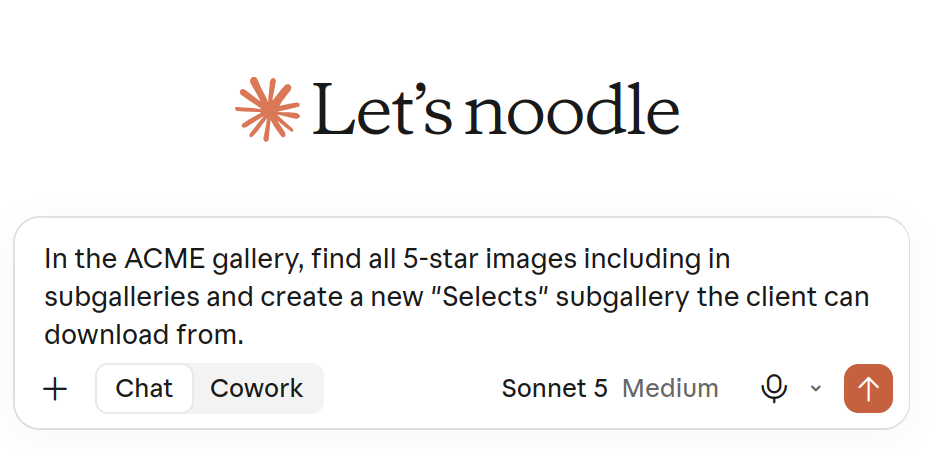
We released this feature quietly a couple of weeks ago, and members who discovered it have already praised, for example, the ability to reorganize their galleries and improve the keywords of large collections.
How do I get this?
Connecting to an AI chatbot is free of charge for all our members and it only takes a few seconds. You will need an account with the AI provider you choose and some heavy tasks are counted toward your monthly microjobs limit (your chatbot knows more). The connection is optional and you can disconnect at any time.
Learn more and connect your AI assistant now ›
Your feedback (including the good one) is important so we can keep improving this new game-changing feature!
Gallery bulk creation and other related improvements
A lot of work has gone into making it easy for AI assistants to work efficiently with PhotoDeck, and as a by-product we’re also introducing a new tool to create galleries in bulk from an external file as well as a redesigned metadata CSV import and export.
We’ve also fully rebuilt and expanded our developer API (and in the process, made it easier also for AI coding tools).
Unlocked: private volume photography workflows
These improvements unlock complex custom workflows that require smart automation.
For example, when shooting for a school you can now create a private, password-protected gallery for each pupil from an Excel workbook and have your AI assistant generate QR codes for parents to easily access their child’s gallery (and you don’t have to provide the AI assistant with pupils’ private information).
This workflow applies to any case where you photograph a large number of individuals that require privacy, like “Photo with Santa Claus” stands.
See how to build a complete workflow for private volume photography ›
“I hate AI”
We hear you, and we respect that view. AI features on PhotoDeck are fully optional.
We understand and share some of the concerns around AI. At PhotoDeck, we don’t chase the latest hype cycles, but when a new technology can offer significant real-life benefits, we’re dedicated to helping you benefit from it. With AI, while we maintain a healthy dose of caution, we also see clear benefits and we’re firmly seated on the train to the future.
PhotoDeck is now as AI-ready as any “AI-native” product, as the buzzword goes, but we’re not AI-dependent.