Budget-friendly DAM for nonprofits
Disorganized images and videos can’t be found when a donor asks for an impact photo or a journalist needs visuals fast.
PhotoDeck is an easy-to-use, cloud-based digital asset management platform for nonprofit organizations that need to manage and share visual content across teams, partners, and media outlets.

At a glance
- Unlimited users on the frontend portal.
- GDPR-compliant hosting in EU data centers.
- Images, videos, documents, and design files in one library.
- Multi-language interface and metadata support.
- Fixed and transparent pricing that works for nonprofits.
- Over 99.99% uptime, secure and proven since 2010.
- Custom domains with SSL certificates included.
When assets live in shared drives, WhatsApp and Google Drive, finding the right photo means asking around, or giving up and scheduling a new photoshoot. PhotoDeck helps your nonprofit photo management with a single, searchable library where every asset is tagged, structured, and findable.
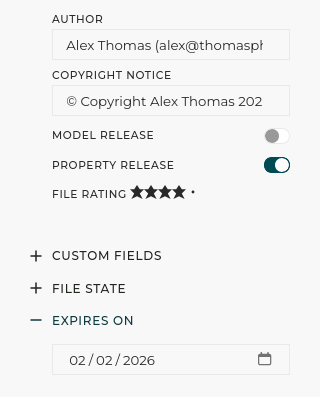
- Custom metadata fields let you tag assets by project, region, campaign, consent status, or any structured taxonomy your organization needs. Control vocabulary across your team for consistent tagging.
- Custom search filters turn your metadata categories into intuitive drop-down menus. Journalists can browse by campaign, donors by region, and staff by project without needing to know your internal structure.
- Similarity search surfaces related images based on visual and semantic similarity, helping you discover content you did not know you had.
- AI metadata generation automatically adds relevant keywords and titles to images, with customizable instructions, saving hours of manual tagging.
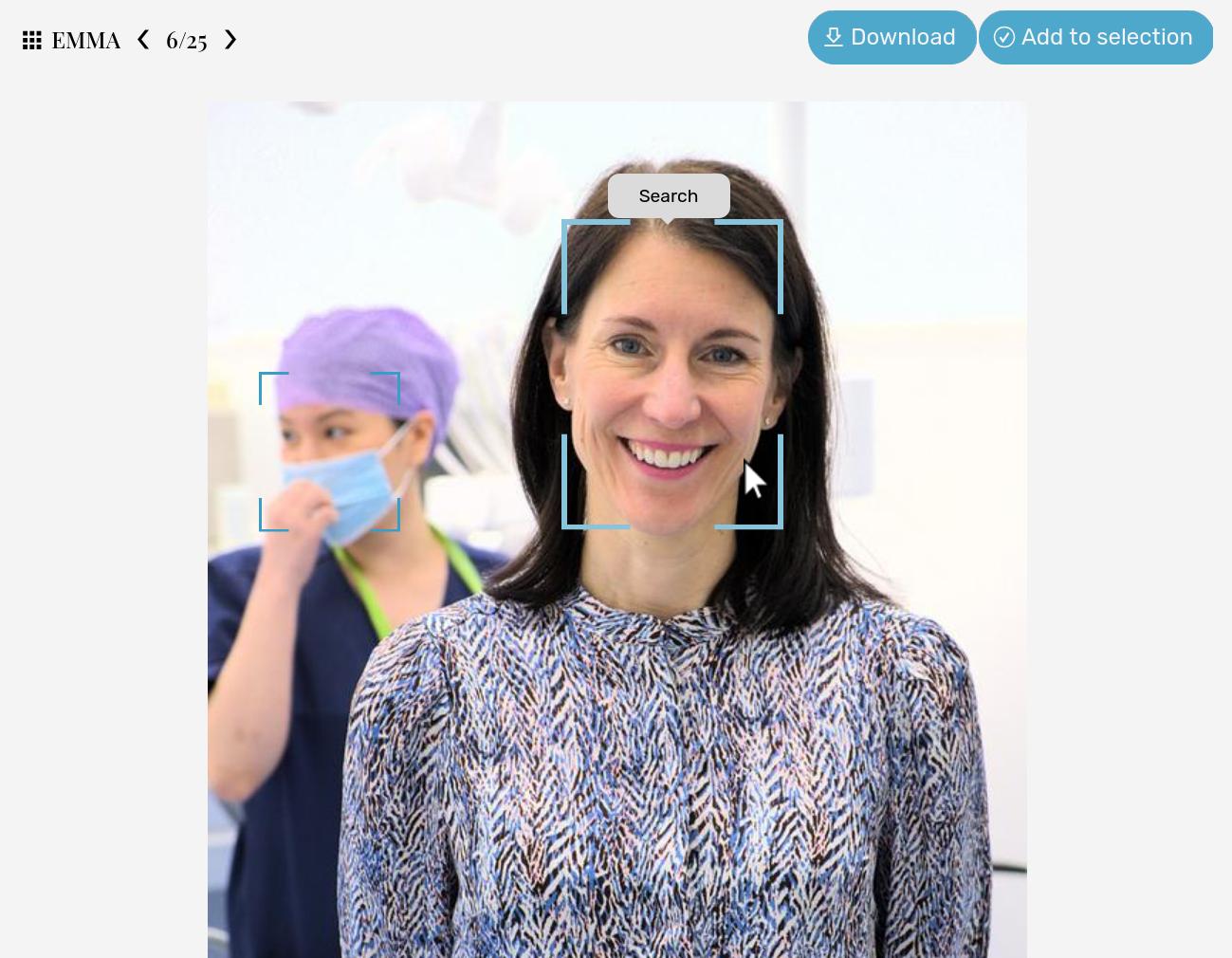
- Face recognition and selfie search lets anyone find all images of a specific person by clicking on a face or uploading a photo. Useful for finding staff photos, or event participants. This feature is naturally optional.
Your NGO photos and videos, finally organized and easy to find
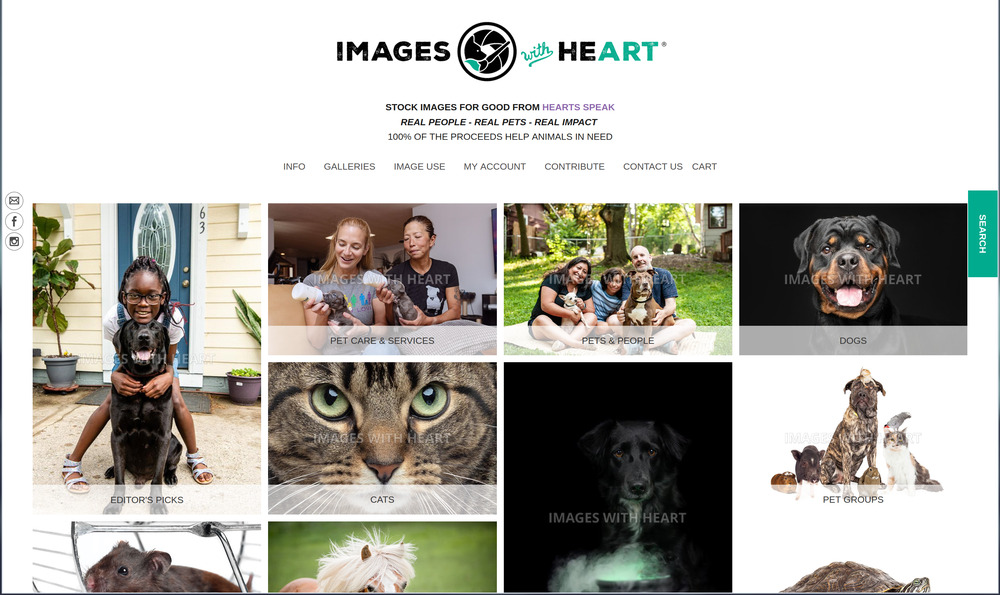
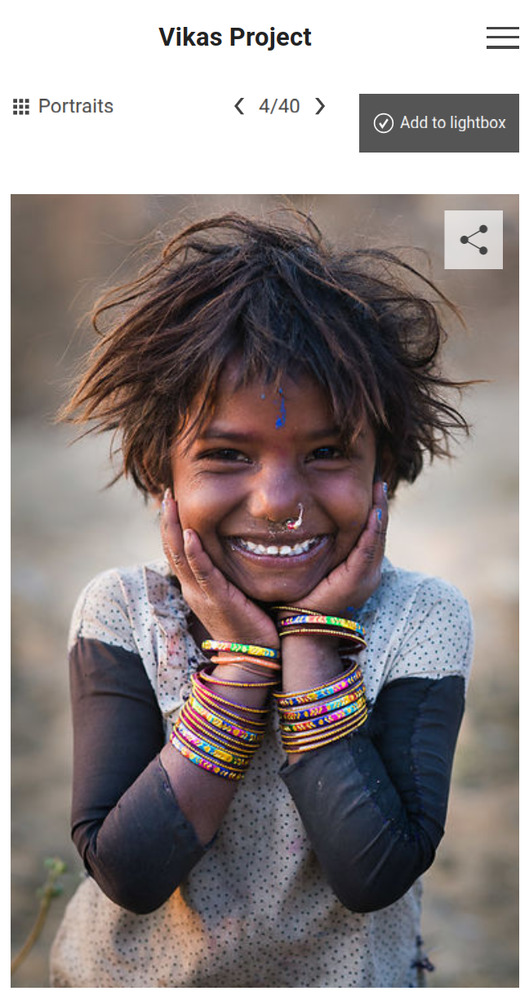
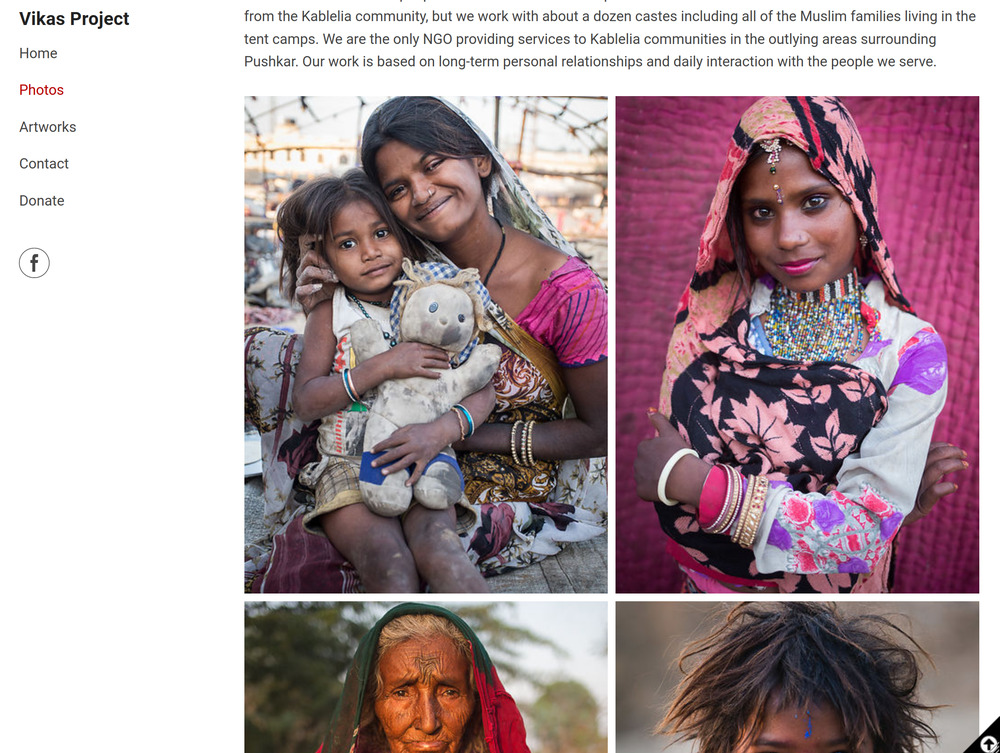
Let journalists, donors, partner organizations and volonteers find and download assets on their own, quickly. PhotoDeck lets you create a branded, self-service portal.
- Gallery access control lets you grant specific access to different audiences. Each group sees only what they need, with permissions you control.
- Free downloads let partners and media teams grab approved assets instantly, without waiting for someone to send files manually.
- Custom gallery presentation lets you tailor how your portal and each gallery looks and works. Offer different experienes to different audiences while ensuring brand consistency.
- Custom domains with SSL let you host your portal on your own URL, like media.yourorganization.org, for a professional and trusted experience.
- Effective image watermarking protects preview images while making it clear where content comes from. Partners can browse freely; only approved users download unwatermarked files.
- Download tracking through the activity journal shows you who accessed what, and when. Useful for proving media reach to leadership and donors.
- Multi-site management. Regional offices and branches can have their own galleries while still having access to the central library, with permissions tailored to each local context.
Journalists, donors and partners should not have to email you for photos
Your donor money should fund programs, not software
Enterprise DAMs charge per-seat fees that penalize organizations with many stakeholders. They bundle features nonprofits do not need and lock you into contracts that make switching expensive. PhotoDeck is built differently: affordable, transparent, and designed for organizations that need to do more with less.
- Unlimited frontend users. Your entire organization, every volonteer, every partner, every media contact can access the portal without per-seat charges. Only backend team member accounts (who can upload and/or manage files) are limited.
- Transparent pricing with no hidden fees, no setup costs, and no migration extortion. You can cancel anytime without exit fees.
- Scalable storage that grows with your organization.
- No commissions. PhotoDeck includes optional sales features, like selling prints or licensing downloads, so your organization can raise funds directly. What you earn stays with you.

No technical expertise needed. You’ll be up in a few hours, no dedicated DAM administrator needed, easy migration.
What they say
Trusted since 2010
The balance between cost and functionality is what led us to PhotoDeck… It allows us to provide access to specific folders for selected users while keeping other collections private. Our team can quickly search, download and use images from a single, centralised source.
We use PhotoDeck as our media library to share visuals with our employees, partners, the press, and the media… It saves us a lot of time and helps us ensure quality control for our visuals.
We use it as a media library, its core function is a digital asset management tool for members of the Press. We give journalists their own log-in credentials… The platform is rock solid, its customer services superb.
FAQ
What makes this different from Google Drive or Dropbox?
Google Drive and Dropbox are file storage tools. They keep your files in folders, but they do not provide structured metadata, visual search, consent tracking, or branded portals for external sharing. PhotoDeck is a digital asset management platform that organizes your content with tags, filters, and permissions, making it searchable and shareable at scale. For organizations managing thousands of visual assets across teams, the difference is significant.
Our team is not technical. Will this just sit there unused?
PhotoDeck does not require technical expertise to use. The frontend portal works like a professional website: search, browse, download. The backend requires a short learning curve, but most administrators are productive within a few hours. PhotoDeck is updated regularly without service interruption, so your team never has to manage patches or updates.
We are a small nonprofit. Do we need all these enterprise features?
PhotoDeck is designed for small and mid-size teams, not just enterprises. You use the features that matter to your organization and ignore the rest. The Brand plan gives you 5 admin accounts and unlimited frontend users, with no requirement to use every feature. Many organizations start with basic galleries and expand as their needs grow.
How do we migrate our existing photos and videos?
You can bulk-upload entire folder structures directly into PhotoDeck, preserving your existing organization. PhotoDeck also integrates with Adobe Lightroom, so if your team uses Lightroom catalogs, you can publish directly from there. For large migrations, our support team can help plan the process. There are no migration fees.
How does consent tracking work?
You create custom metadata fields for consent status, consent date, and consent scope. Each image can have consent information attached directly to it. You can search by consent status to find all assets cleared for a specific use, set automatic expiry dates, and restrict sensitive content to authorized staff only.
Is this GDPR-compliant?
PhotoDeck is a European company with hosting in EU data centers. The platform includes built-in tools for data protection and user consent management. You control who accesses what content, and all data stays within EU jurisdiction. For organizations operating under GDPR or similar regulations, this provides a compliance-ready foundation.
What about data localization laws in the countries where we work?
PhotoDeck hosts all data in EU data centers, which satisfies data localization requirements for most European organizations. If your organization has specific data residency requirements, contact us to discuss your situation.
How much does it cost for a nonprofit?
PhotoDeck offers fixed, transparent pricing that does not scale with the number of users accessing your portal. The Brand plan includes 5 backend team member accounts and unlimited frontend users. There are no commissions on downloads or sales, and no hidden costs. Please refer to our Pricing page.
Can it handle video files?
PhotoDeck supports all major video formats natively. You can store, organize, search, and share videos alongside your photo library. Videos have the same permission controls, metadata capabilities, and download options as images.
Will it work for our field offices with poor internet?
PhotoDeck is a cloud-based platform, so it requires an internet connection. However, the platform is optimized for speed: server response time is 5ms, galleries load quickly, and the mobile back-end supports uploads and downloads from phones. For field staff with very slow connections, content can be collected offline and uploaded when connectivity is available. PhotoDeck has 40 upload points worldwide to ensure fast transfers regardless of location.
Does it integrate with our existing tools?
PhotoDeck integrates with Adobe Lightroom for direct publishing, supports FTP for bulk uploads, and provides API access for custom integrations with your CMS, project management tools, or internal systems. Custom domains with SSL certificates let you host your portal on your own URL.
What if PhotoDeck goes out of business or raises prices significantly?
PhotoDeck has been operating since 2010 with over 99.99% uptime. There are no lock-in contracts: you can cancel at any time and export all your data and assets. PhotoDeck does not charge exit fees or hold your content hostage. Your files remain yours.
Who manages this? We do not have a dedicated DAM administrator.
PhotoDeck does not require a dedicated administrator. Most organizations assign DAM responsibilities to one person on the communications or marketing team, who manages galleries, permissions, and metadata alongside their other duties. The backend interface is designed for generalist staff, not IT specialists. PhotoDeck also provides documentation and responsive support to help with setup and ongoing questions.
What is digital asset management for nonprofits?
Digital asset management (DAM) is a system for organizing, storing, and sharing your organization's visual content, including photos, videos, and design files, in a single searchable library. For nonprofits and NGOs, a DAM replaces scattered files on personal drives, shared folders, and chat threads with a structured platform where every asset is tagged, searchable, and accessible to authorized users. This makes it faster to find the right image for a campaign, a donor report, or a media request.
Do DAM platforms offer nonprofit discounts?
Some DAM vendors offer nonprofit discounts, but the savings vary widely. Many enterprise platforms still cost $10,000–$50,000 per year even with a discount, and some charge per-seat fees that penalize organizations with many volunteers or partners. PhotoDeck uses a low fixed pricing that does not scale with the number of users accessing your portal.
Is open-source DAM better for nonprofits?
Open-source DAM platforms like ResourceSpace are free to download, but they require developer expertise to set up, host, and maintain. Most nonprofits lack the in-house technical capacity to manage an open-source system, and ongoing development and hosting costs can reach €1,000–€5,000 per year. PhotoDeck is a hosted, maintained platform that requires no developer involvement, with support included and regular updates (including security updates) applied automatically.
What is the best DAM for small nonprofits?
The best DAM for a small nonprofit is one that your team will actually use: it should be easy to adopt, affordable, and not require a dedicated administrator. PhotoDeck is designed for small and mid-size organizations, with an intuitive frontend portal that journalists, partners, and field staff can use without training. The Brand plan includes 5 admin accounts and unlimited frontend users.