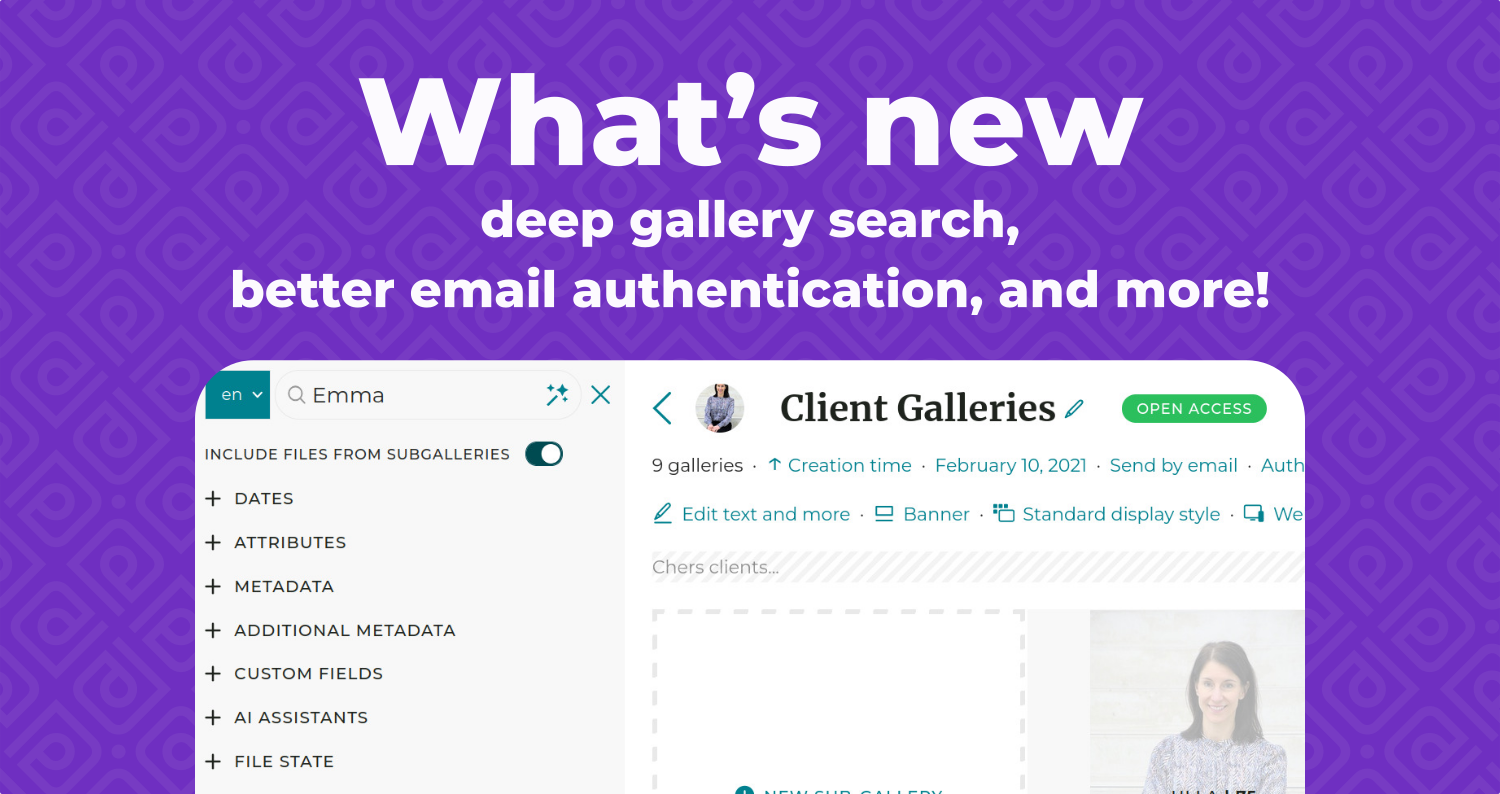
What’s new: deep gallery search, better email authentication, and more!
We’ve been busy at work since this summer to keep improving PhotoDeck, here is a recap of what’s new. Many changes, one theme: less friction.
Your clients can now search through sub-galleries…
When a client searches inside a gallery on your website, the search now also covers all of its sub-galleries. For sites with multi-level private gallery trees, long-term client hubs or protected event galleries organized by day, by team or by venue, this means the right images surface more easily for your clients.
… and order multiple images from a search page more easily
On your websites, visitors who add an item to their cart now return to the exact search context they came from. Someone ordering downloads from a search results page can keep going naturally selection after selection. Less back-and-forth, more items per order.
Search whole gallery trees in your admin space
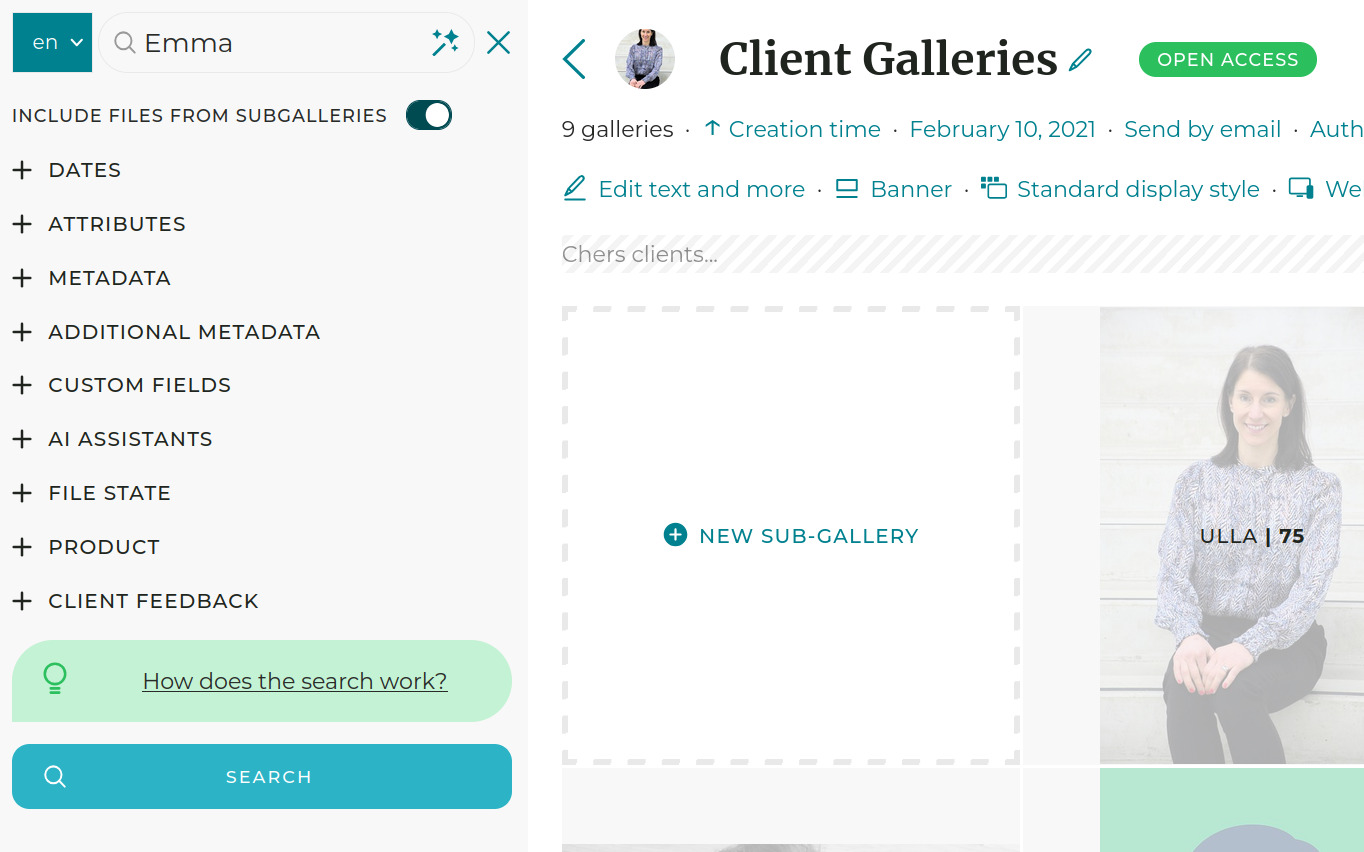
In your admin space, the media manager search can now include files from sub-galleries as well as the gallery itself. This means you can fetch every file in a gallery tree with a single search and apply your changes to all of them at once, instead of repeating the operation gallery by gallery. We have also refreshed the search filters, so narrowing your results to exactly the files you need takes less effort.
Set gallery settings once, apply them to sub-galleries
Similarly, some gallery settings can now cascade to sub-galleries: search indexing, content ordering, and commenting and rating settings. If you run galleries with many nested levels, that turns a slow, repetitive routine into a single action. Adjust the behavior on the parent gallery, apply it to every level below, and get back to work.
Custom domains: less guesswork, more reliable email
The custom domain interface now shows the exact DNS records you need to configure, so you can connect your domain yourself without guessing what belongs where. We have also moved outgoing email authentication to DKIM: a standard that adds a verifiable signature to messages sent from your domain, which means better deliverability once the records are set up correctly. In plain terms, your clients are more likely to see your emails, not their spam folder.
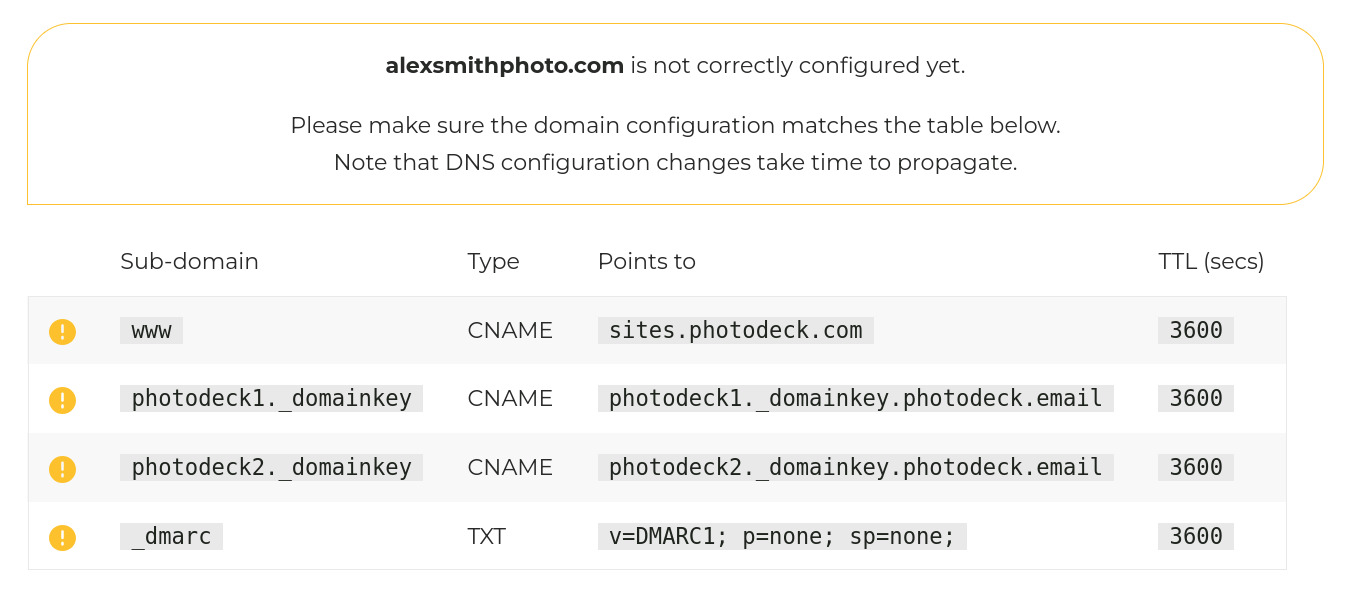
Using a custom domain? Take a few minutes now to add the DKIM records shown in your account’s interface — a one-time configuration that makes emails sent from your domain more likely to reach your clients (domain configuration guide).
Audit log: know what changed, and when
An audit log is now available to all members, under the Avatar menu. It details the history of actions on your account, so you can track the changes made without relying on memory. And because transparency should extend to what the system itself is doing, you can now see the detail of pending background tasks: a long processing job no longer leaves you wondering whether anything is moving.
That’s it for this round
All of these improvements are live on your account today; nothing to install, nothing extra to pay. Try them, and let us know what you think!