AI chatbot integrations: ChatGPT, Claude and more
Use everyday language to organize galleries, manage your media and prepare selections with your AI chatbot.
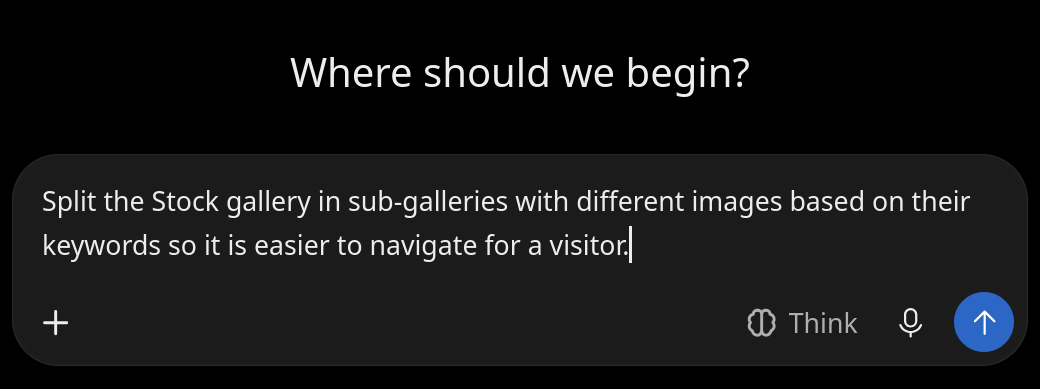
Organizing a large shoot often means repeating the same actions across hundreds of images. PhotoDeck’s official connectors let you work with ChatGPT, Claude, Mistral or Grok to find and manage media, organize galleries, and help prepare client projects, using your own words.
Turn large shoots into manageable galleries
Instead of sorting every image by hand, describe how you want to group your media and ask your chatbot to propose a plan. For example:
- For the sports photographer: Analyze an event gallery for bib numbers, then organize the images into subgalleries.
- For the school photographer: Use an Excel file of pupil names and keywords to help prepare a gallery for each pupil.
- For the event photographer: Group images by shooting time to separate performances or sessions.
Spend less time on repetitive preparation
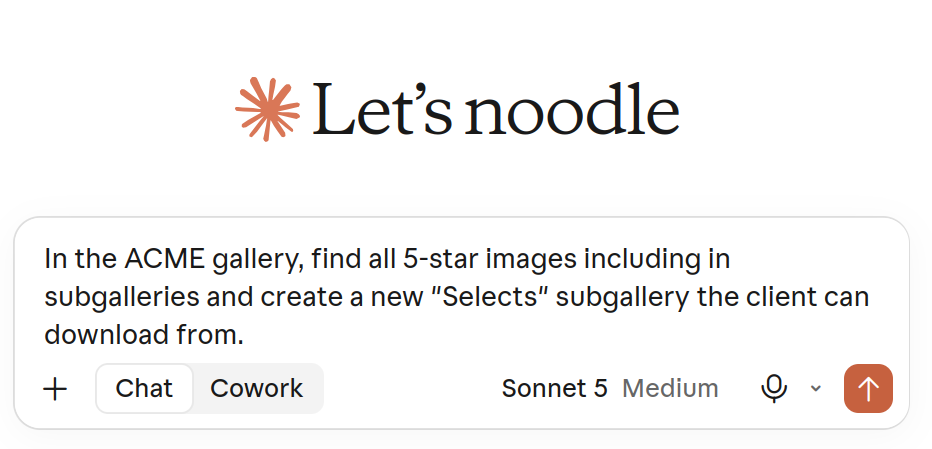
Ask your chatbot to prepare a selection from your best-rated media, identify missing metadata or suggest more consistent titles and keywords. For workflows you repeat, you can save instructions in your chatbot where supported, and adapt them to each new shoot.
You remain in control: review the proposed work and check the result in PhotoDeck.
Get PhotoDeck help
When connected, your AI chatbot will have access to both your account and our knowledge base, helping you get immediate answers and make the most of PhotoDeck quickly.
Connection to an AI chatbot is entirely optional and you can disconnect at any time.
FAQ
Can AI sort sports event photos by bib number into galleries?
With PhotoDeck’s AI image analysis configured, ask your connected chatbot to identify bib numbers and propose a subgallery per participant. Review the matches before creating the galleries.
Can I create individual school photo galleries from an Excel spreadsheet?
Yes, if your chatbot supports file attachments. It can match pupils in your spreadsheet to existing image keywords and propose a gallery for each pupil. Review the matches and gallery authorizations before sharing.
Can ChatGPT help me prepare a photo selection for a client?
Yes. Connect ChatGPT to PhotoDeck and ask it to propose a selection based on media ratings, keywords or other criteria you choose. Review the selection in PhotoDeck before sharing it with your client.
Can AI help me improve photo keywords and metadata?
Yes. Your connected chatbot can find missing titles, keywords or copyright notices and suggest improvements. With a configured PhotoDeck AI metadata assistant, it can also request image analysis to generate metadata. Review the results in PhotoDeck.